
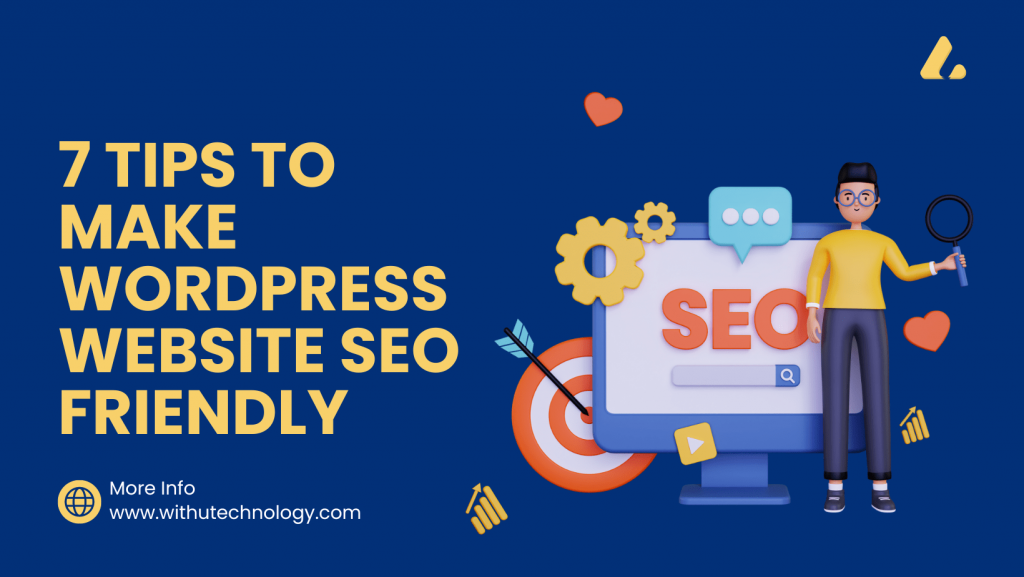
In today’s era, it has become even easier to create a website from WordPress. In comparison to coding, a great website can be created from WordPress with ease and less time. If you are also thinking of creating a website, then you should make your website through the best WordPress development company. Now it comes to the point that after creating a website in WordPress, how to do its SEO. Many times people get confused after creating a website in WordPress about how to SEO the site so that it can rank. In this article, we will discuss 7 tips to make your WordPress website SEO-friendly.
1. Optimize Your Permalink
Permalinks are the permanent URLs that are assigned to each page on your website. WordPress allows you to customize your permalink to include keywords that will help your pages rank better in search results. To change your site permalinks, go to Settings > Permalinks in your WordPress website dashboard panel. Choose a permalink structure that includes your post name, and avoid using special characters or numbers in your URLs.
2. Use SEO-Friendly Themes and Plugins
The theme and plugins you choose can have a significant impact on the SEO-friendliness of your website. Choose a theme that is lightweight and optimized for speed, and make sure it follows best practices for SEO. Similarly, choose plugins that are well-coded and optimized for search engines. Yoast SEO and All-in-One SEO are two popular plugins that can help optimize your website.
3. Optimize Your Titles and Meta Descriptions
Your page titles and meta descriptions are the first things that users see when your website appears in search results. Optimizing your titles and descriptions with keywords can help improve your click-through rates and drive more traffic to your website. Yoast SEO and All-in-One SEO both offer easy-to-use tools for optimizing your titles and descriptions.
4. Optimize Your Images
Images are the most important factor in any website, but they can also slow down the page speed of your site if they are not optimized and compressed. To make your images SEO-friendly, make sure they are compressed and have descriptive filenames that include your keywords. You should also include alt tags and captions that describe your images and include relevant keywords.
5. Use Internal Linking
Internal linking is the best way of linking to other pages on your site from within your content. This not only helps users navigate your website but also helps search engines understand the structure of your website and the relationships between different pages. Make sure to link to relevant pages within your website, and use descriptive anchor text that includes your keywords.
6. Optimize Your Website for Speed
Website loading speed is the most important factor in both user experience and search engine rankings. Slow-loading websites can drive users away and negatively impact your search engine rankings. To optimize your website for speed, use a lightweight theme, compress your images, and minimize the use of plugins. You can also use caching plugins like W3 Total Cache to improve your website’s load times.
7. Create High-Quality Content
Finally, creating high-quality content is one of the most important things you can do to make your website SEO-friendly. Search engines prioritize high-quality, relevant content that offers value to users. Make sure your website content is well-written, well-researched, informative, and well-optimized for your targeting keywords. Use headings and subheadings to break up your content and make it easy to read, and include images and other multimedia elements to enhance your content.
In conclusion, making your WordPress website SEO-friendly requires a combination of technical and content-based optimizations. By following these 7 tips, you can improve your website’s visibility in search engines and drive more traffic to your site. WordPress development services are the best option for making a great website. There are many plugin options available in WordPress that help to easily rank a site in Google.





Hi there! I simply would like to give an enormous thumbs up for the nice information you could have right here on this post. I can be coming again to your weblog for more soon.
Thanks for your appreciation.